Pro feature
Swap one element. Keep the rest exactly.
Drop a photo of your home or room next to a reference — a gate you saw on Pinterest, a front door from a magazine, a kitchen island from a listing. Hausey's composite AI replaces only that element, matching scale, lighting, and perspective to your base photo. Everything else stays pixel-close.
- Gate, door, windows, roof, landscaping
- Interior: island, vanity, fireplace
- 3 variations in 60 seconds
- Pro & Studio plans
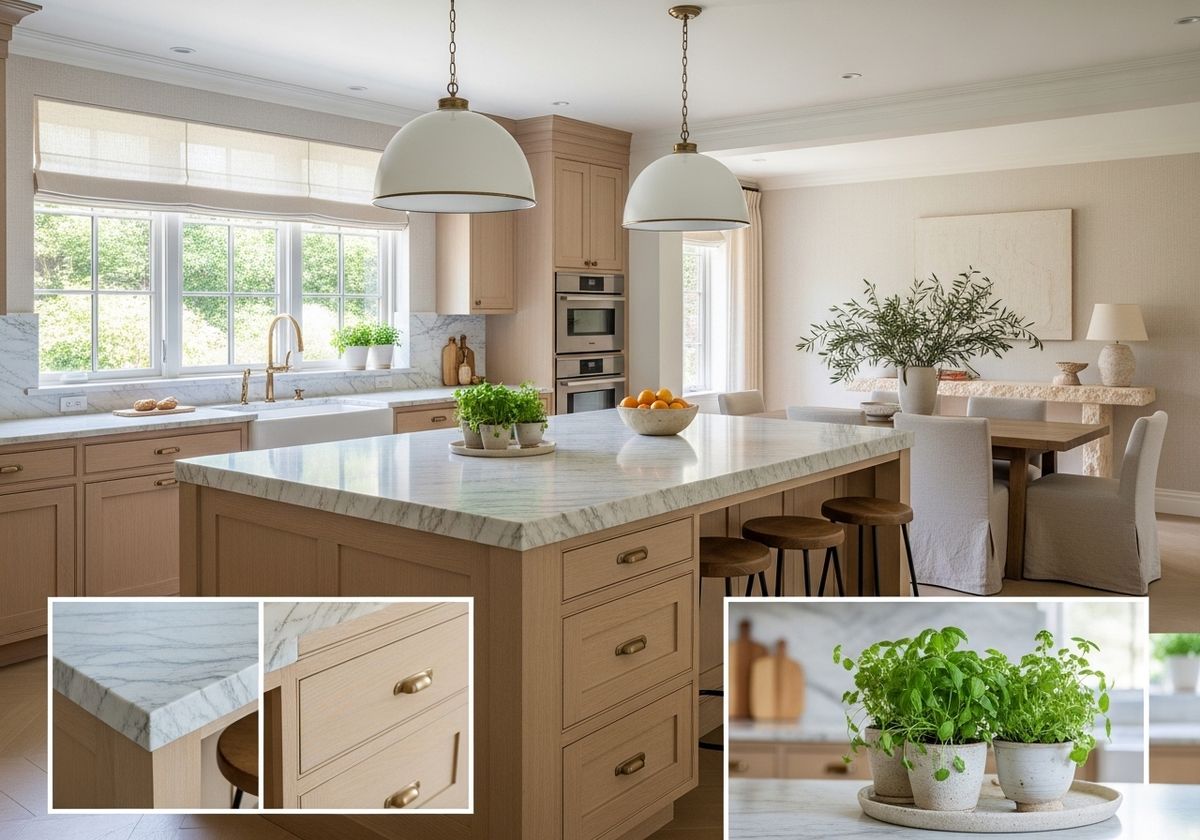
What you can swap

Main gate
Dark wood + iron, matched to facade
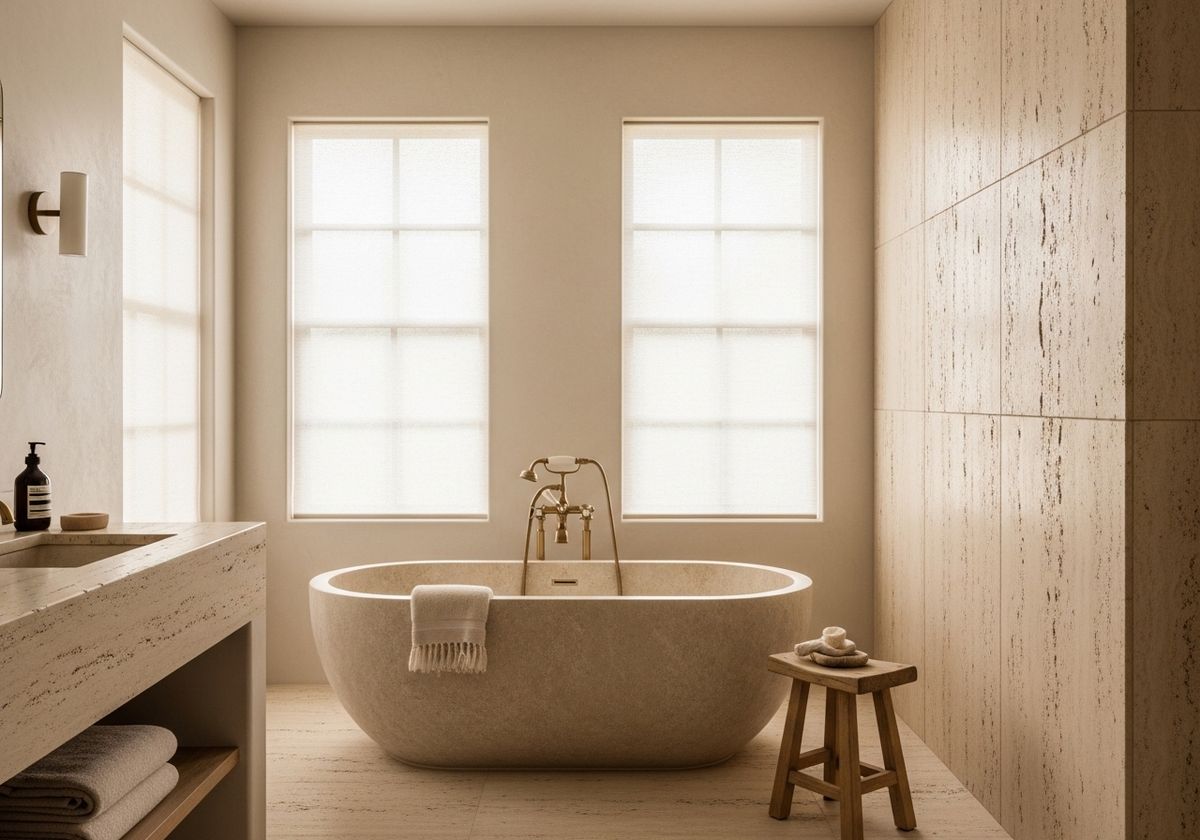
Front door
Swap door, keep the arch + wall
Windows
Same frame count, new muntin pattern
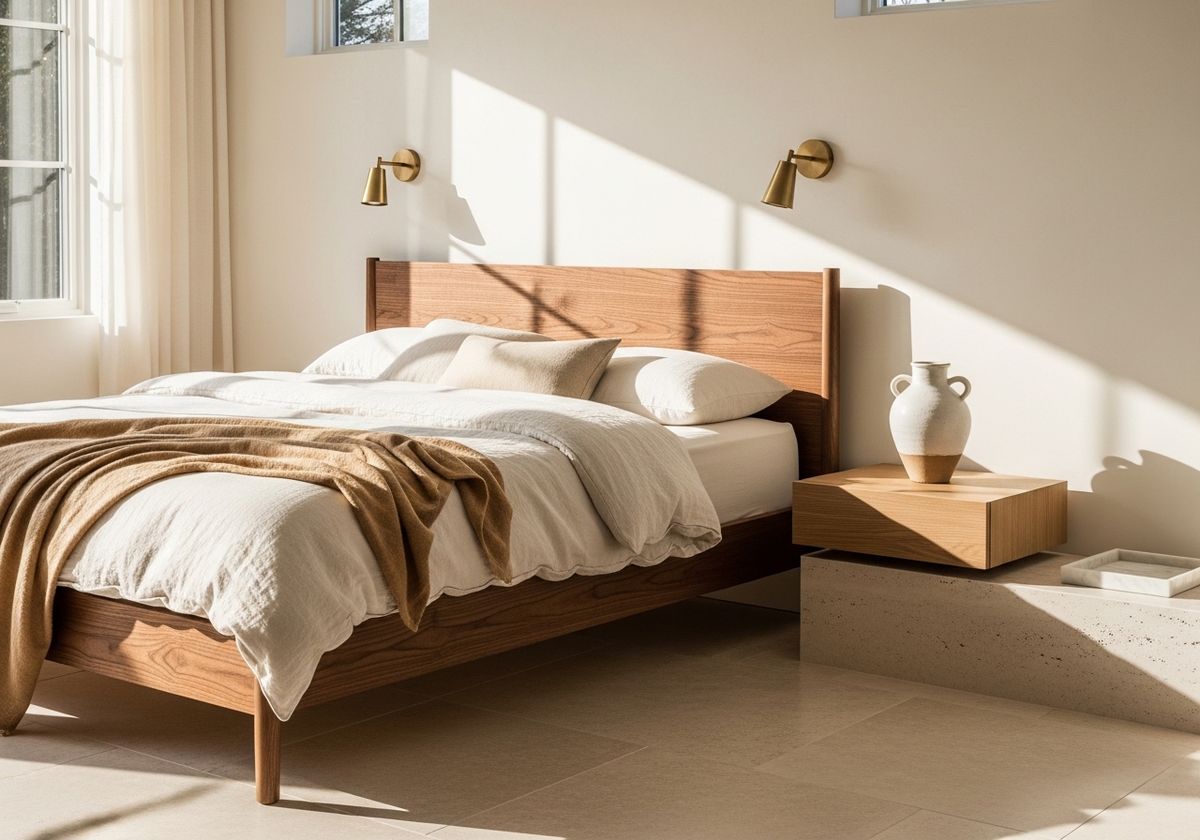
Kitchen island
Marble waterfall, same footprint
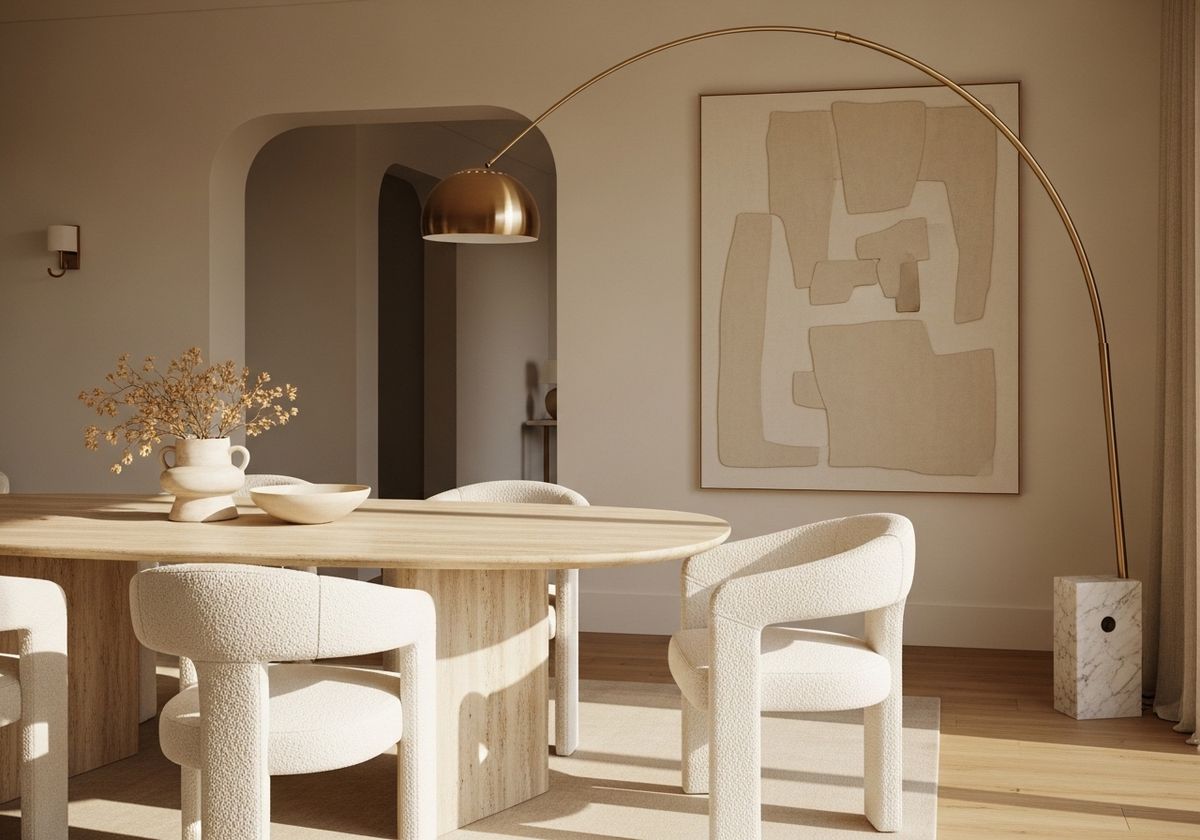
Roof material
Terracotta tile, unchanged pitch
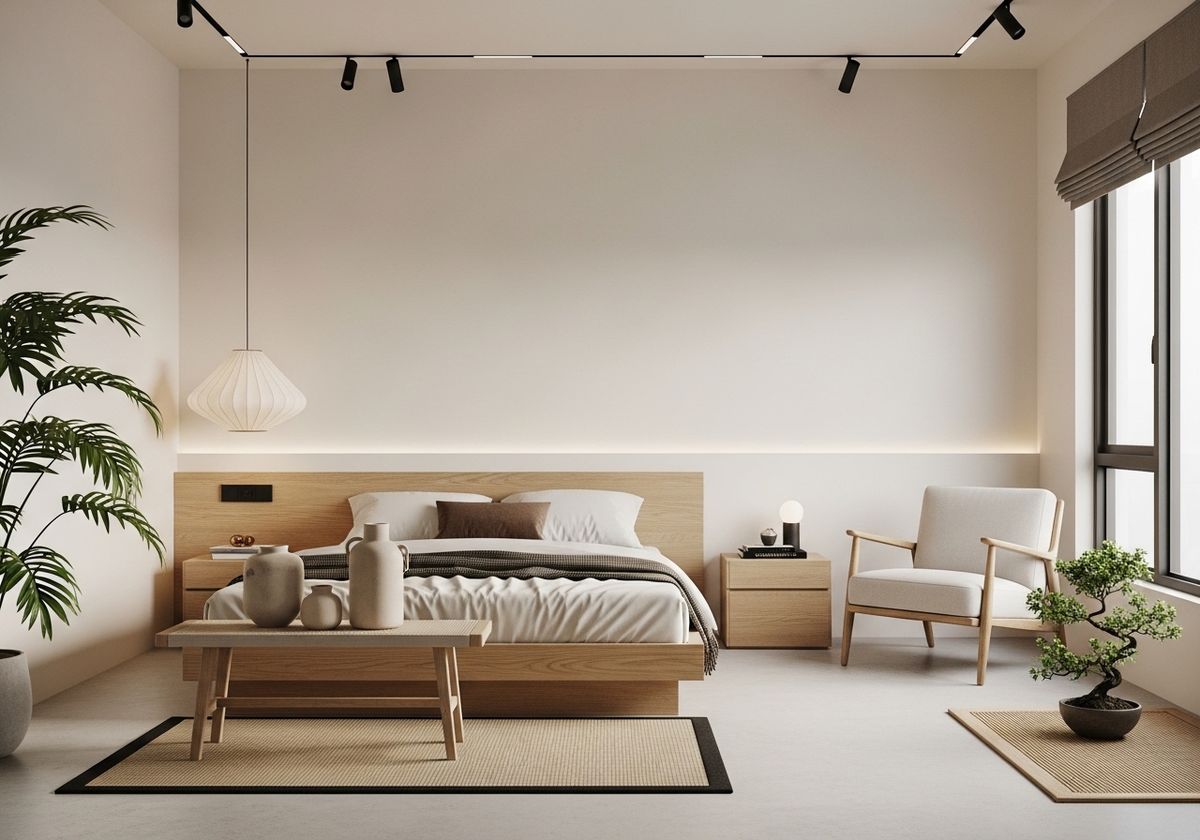
Fireplace wall
Stone surround, same hearth line
Exterior wall
Stucco → board-and-batten
Landscaping
Swap garden, keep path + beds
How element swap works
01
Upload your base photo
Photo of your home, room, or facade — same as any Hausey generation.
02
Add references
Up to 10 reference images. Tag each one: main gate, front door, kitchen island, etc.
03
Tune the fidelity
Match exactly, match closely, or use as loose inspiration — per reference.
04
Generate 3 variations
60 seconds. Hausey composites each ref into your base photo. Built-in critic verifies the swap.
Frequently asked
How is this different from regular Hausey restyling?
Regular restyling produces 10 different aesthetic interpretations of your whole photo. Element swap keeps your photo almost pixel-identical and only changes the specific elements you referenced. You can keep your real gate and swap only the front door, or keep the facade and swap only the windows.
How many elements can I swap in one generation?
Up to 10 references per room. Each reference gets tagged with which element it represents (gate, door, window, kitchen island, etc.). You can even swap multiple elements at once — e.g. new front door AND new windows in the same pass.
Can I use this for interior rooms?
Yes. Common interior swaps: kitchen island, bathroom vanity, fireplace mantel, feature wall, fixed lighting. Use the 'interior_element' tag with a short description like 'replace the island' or 'replace the vanity'.
Does it work with MLS-safer mode?
No — the two features are mutually exclusive. MLS-safer mode preserves structural elements (windows, doors, fixtures) for real estate listing compliance. Element swap is by definition a structural change. If you need MLS-safer staging for a listing, use MLS-safer mode; element swap is for homeowners exploring renovations.
What plans include element swap?
Pro ($29/mo) and Studio ($99/mo). Free and Starter users see the feature in workspace but need to upgrade to use it. Each composite generation uses about 2× the credits of a standard generation.
Can I save references to reuse across projects?
Yes — the reference library lets Pro users save up to 50 references. Click the ★ icon next to any reference to save it. Next time, open 'From library' on a new room and reuse it. Fidelity preference (exact / close / loose) is remembered per reference.
What image formats and sizes work?
JPG, PNG, WebP, HEIC, and HEIF — up to 20MB each. iPhone photos (HEIC) are auto-converted to JPEG server-side, so you don't have to change anything. Reference photos work best when the target element fills at least a third of the frame and isn't heavily obscured.
How much does each generation cost in credits?
A composite run with references uses roughly 2× the credits of a standard generation and produces 3 variations (vs 10). On Pro ($29/mo, 20 credits) that's about 10 composite runs per month; Agent Pro ($79/mo intro, 100 MLS-safer rooms/mo) covers a heavy workload; Studio ($99/mo, 80 credits) scales to ~40 composite runs with 60 refinements on top. Exact credit pricing is in /pricing#composite.
What if the AI doesn't match my reference correctly?
Three tools: (1) the 'Preview what AI understands from these refs' button gives a dry-run interpretation before you spend credits; (2) lower the strength slider to 'Close' or 'Loose' if the swap feels too literal; (3) every composite output runs through a built-in vision critic that flags misaligned swaps and silently retries once. If you're still not happy, refinements are free on Pro and can restyle any element.