For Interior Designers
Show clients up to ten directions in 60 seconds.
Upload a client's room photo at the start of the meeting. Walk out an hour later with up to ten photoreal directions (four free to start) — refined, picked, and exported — without opening SketchUp, waiting on a rendering queue, or paying for another license you won't use.
- Present during the meeting, not after it
- Refine without re-rendering the whole scene
- One voting link per project
- Magazine-grade PDF export
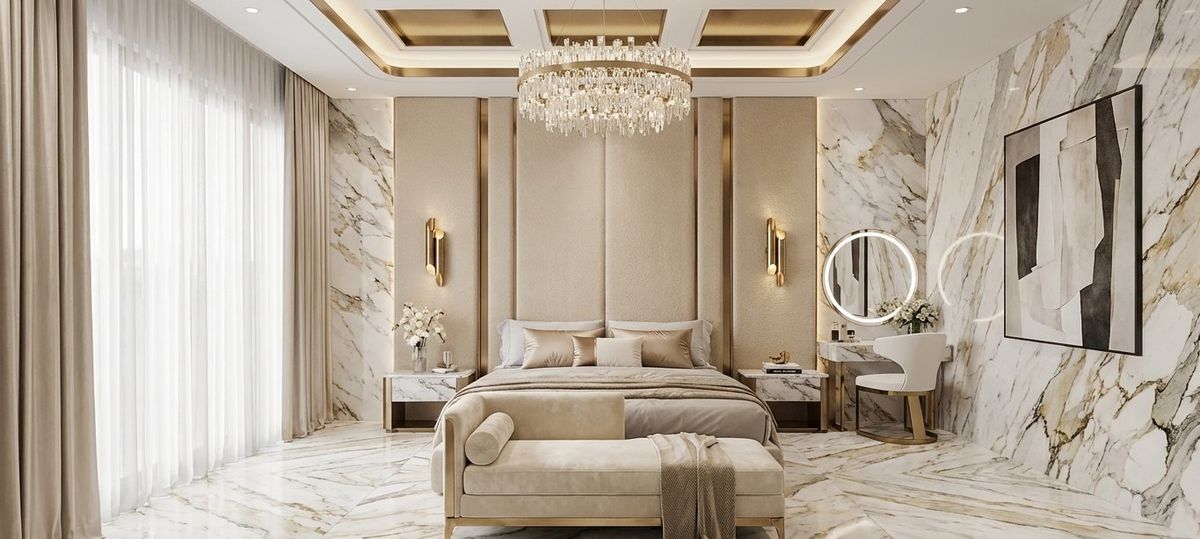
One room photo. Up to ten design directions.
One upload · ten client-ready directions · sixty seconds
The photo they send you
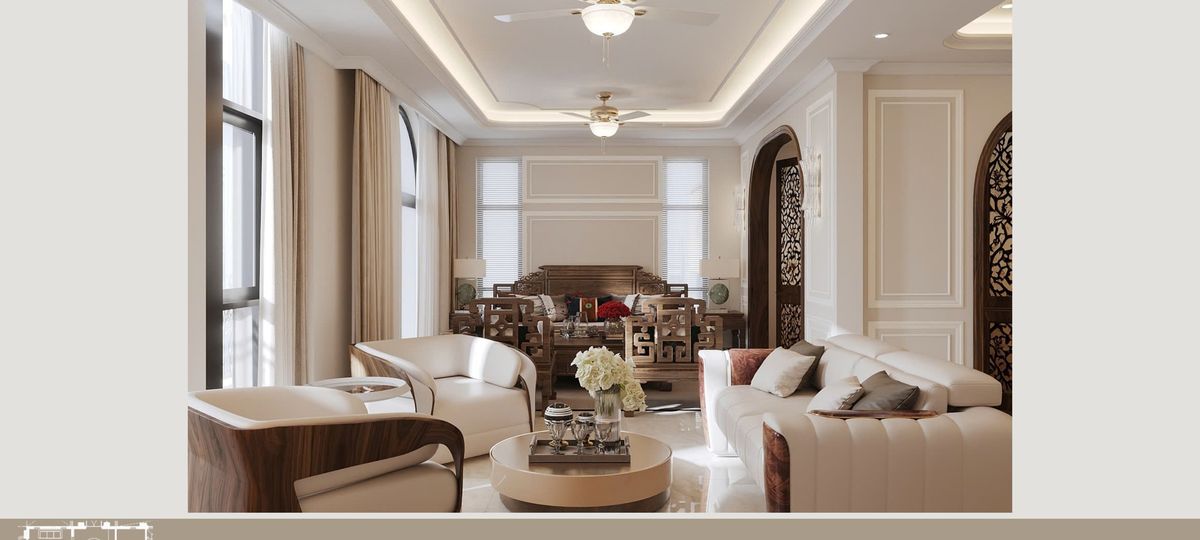
→ up to 10 photoreal directions, styled and ready for the meeting
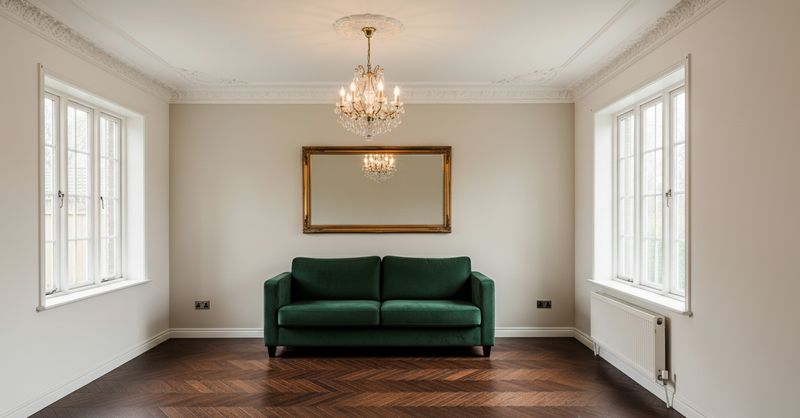
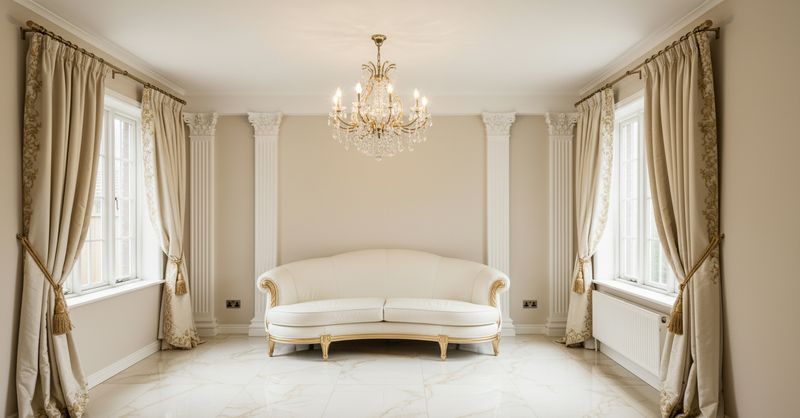
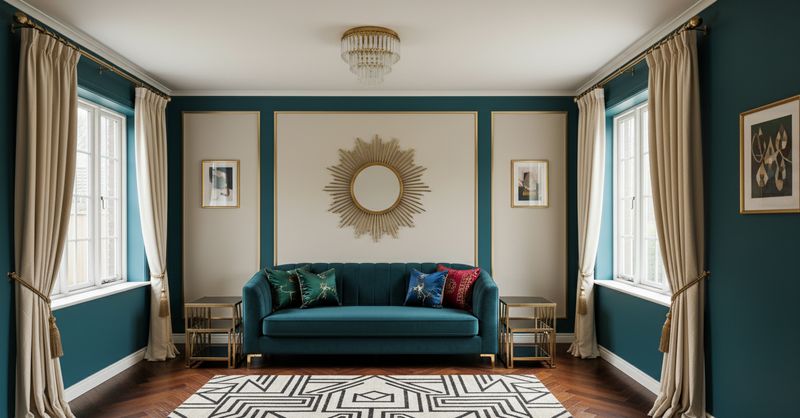
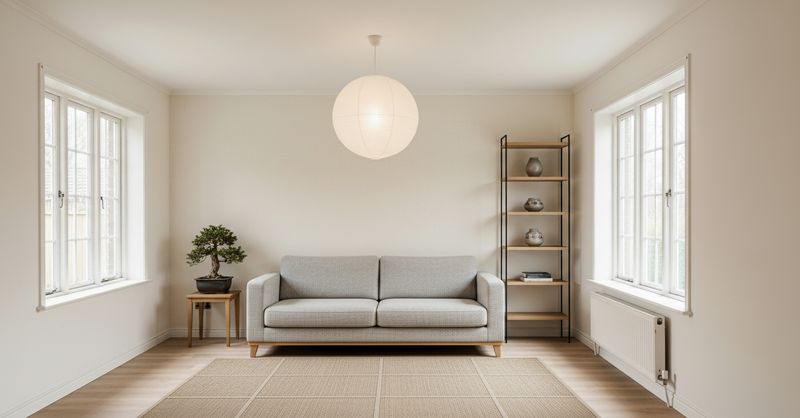
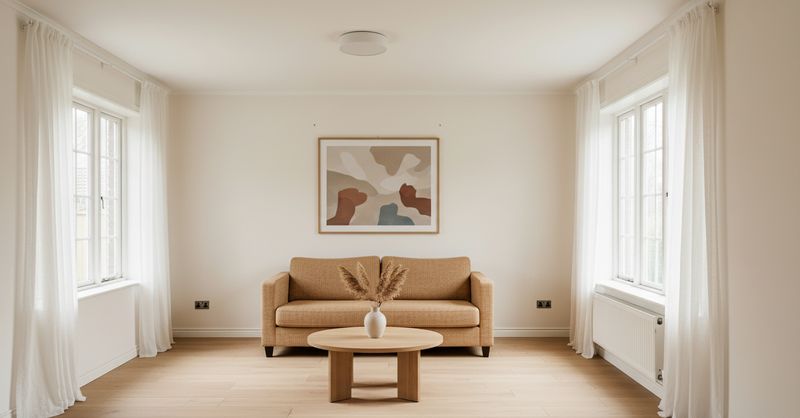
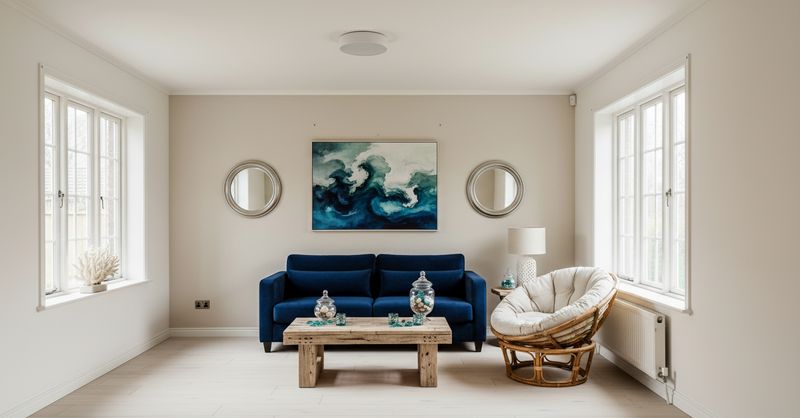
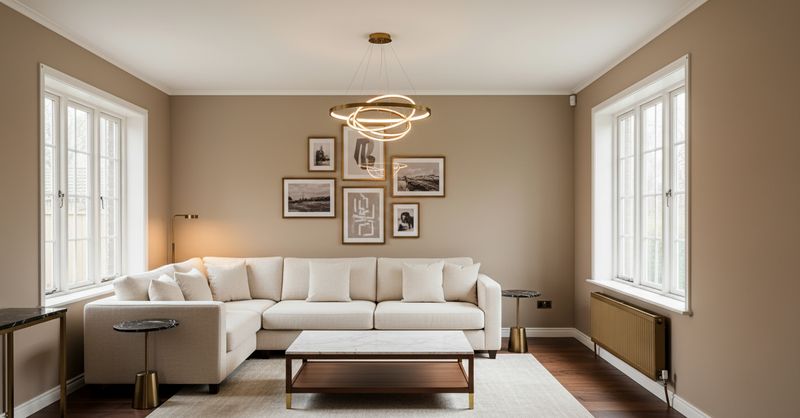
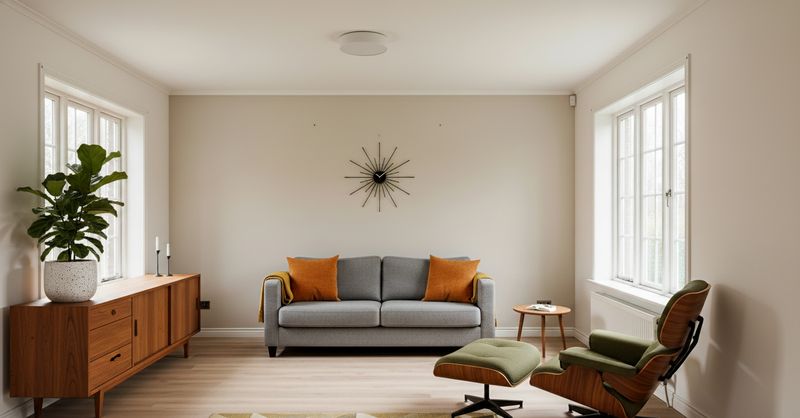
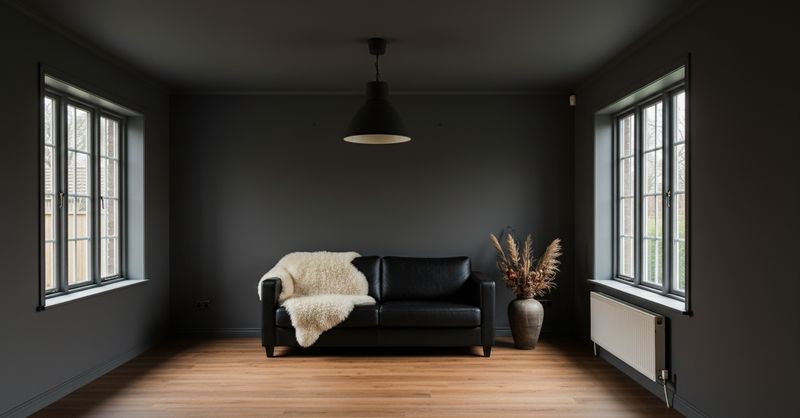
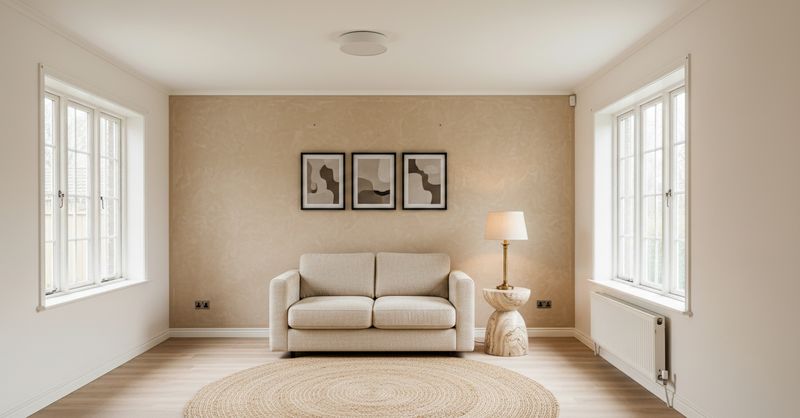
Before & after
The same room your client sent. The direction they'll approve.
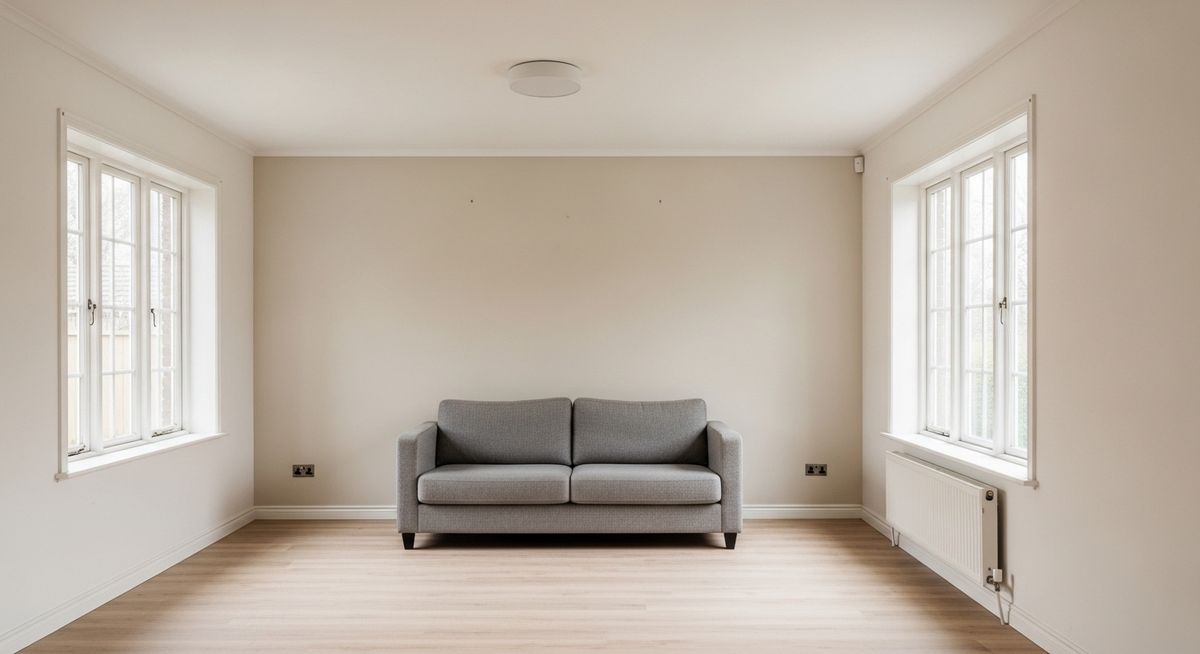 Before
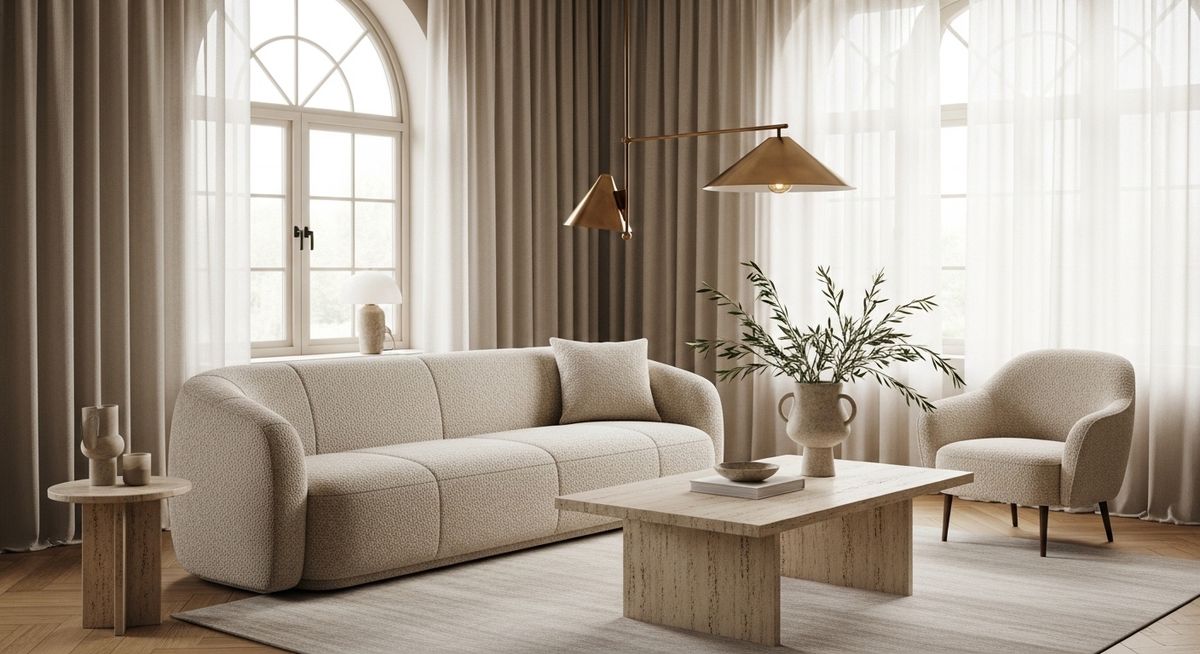 After
AfterLiving room · Warm contemporary
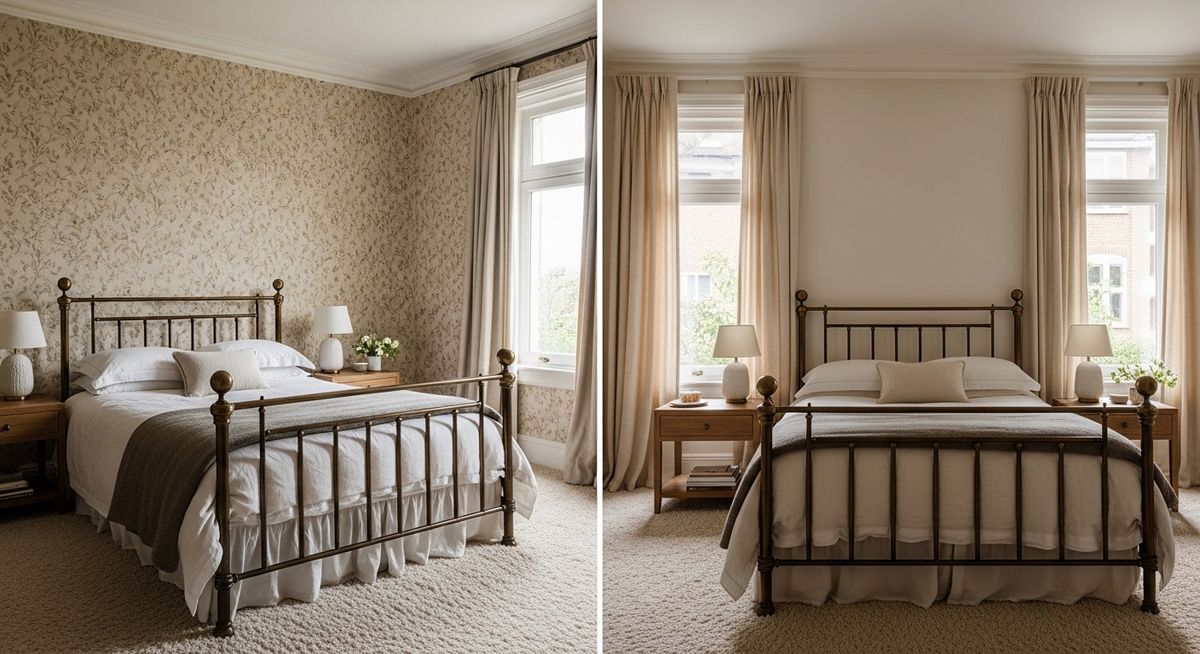 Before
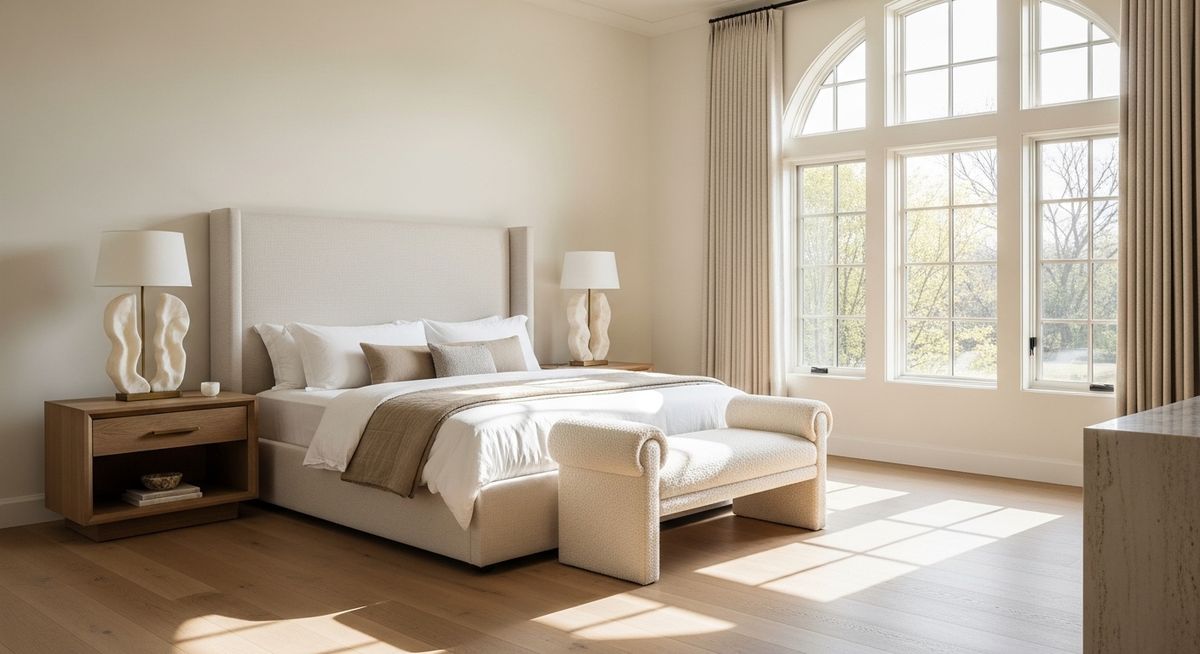 After
AfterBedroom · Editorial palette
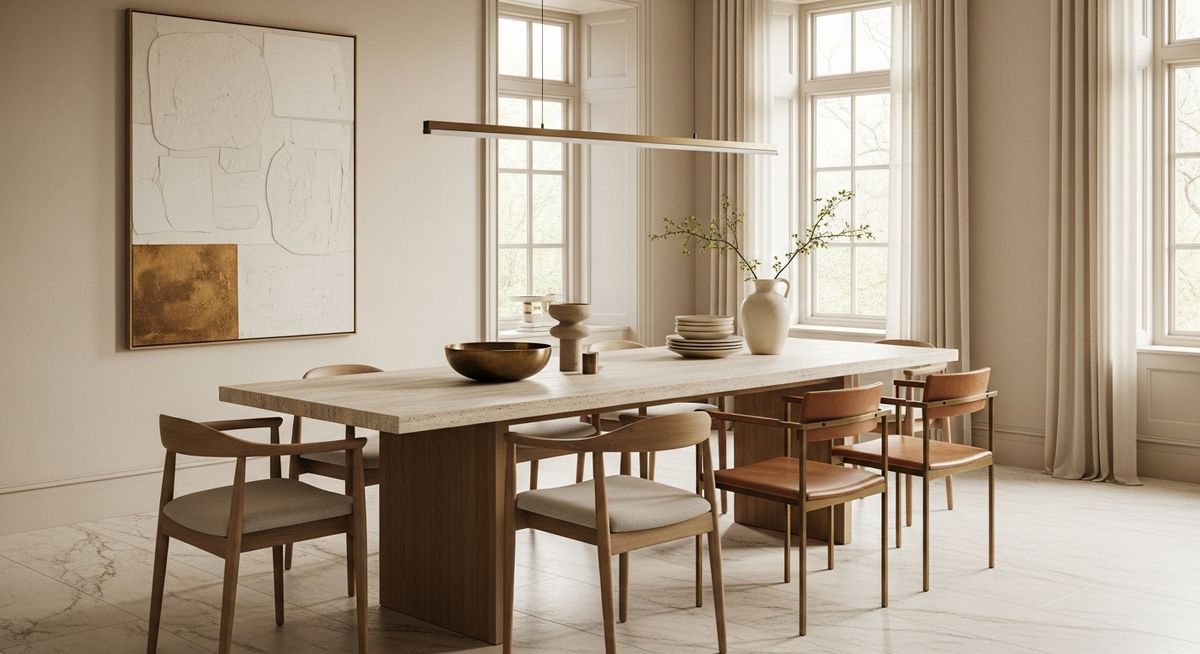 Before
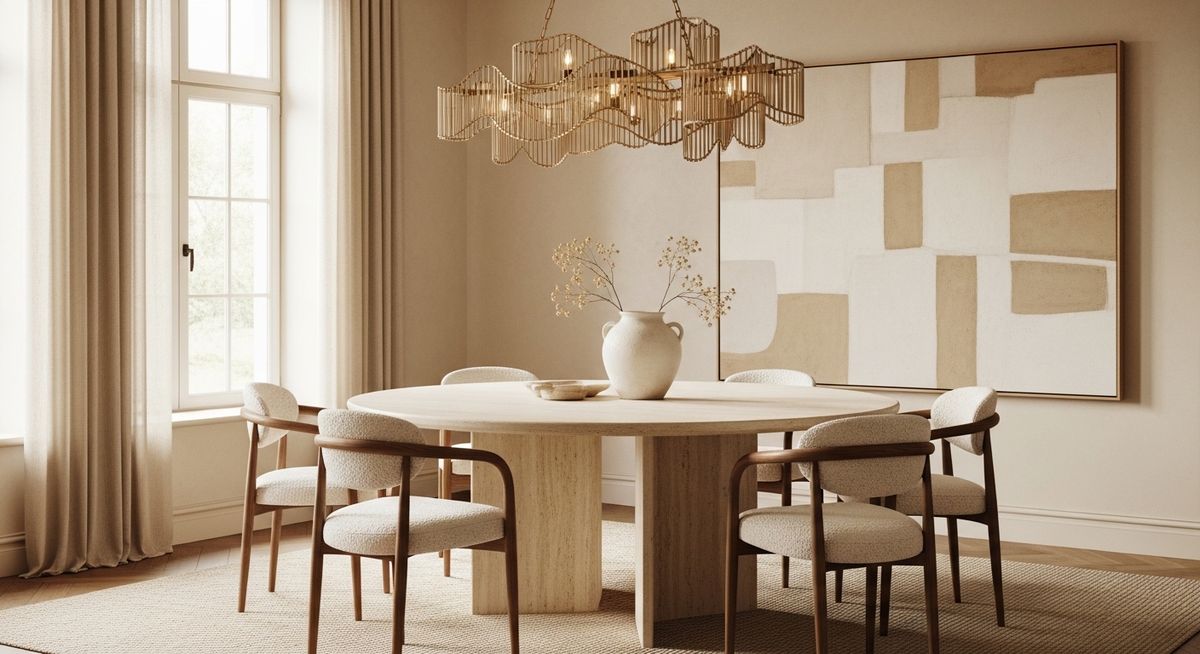 After
AfterKitchen · Luxury modern
Signature styles we generate
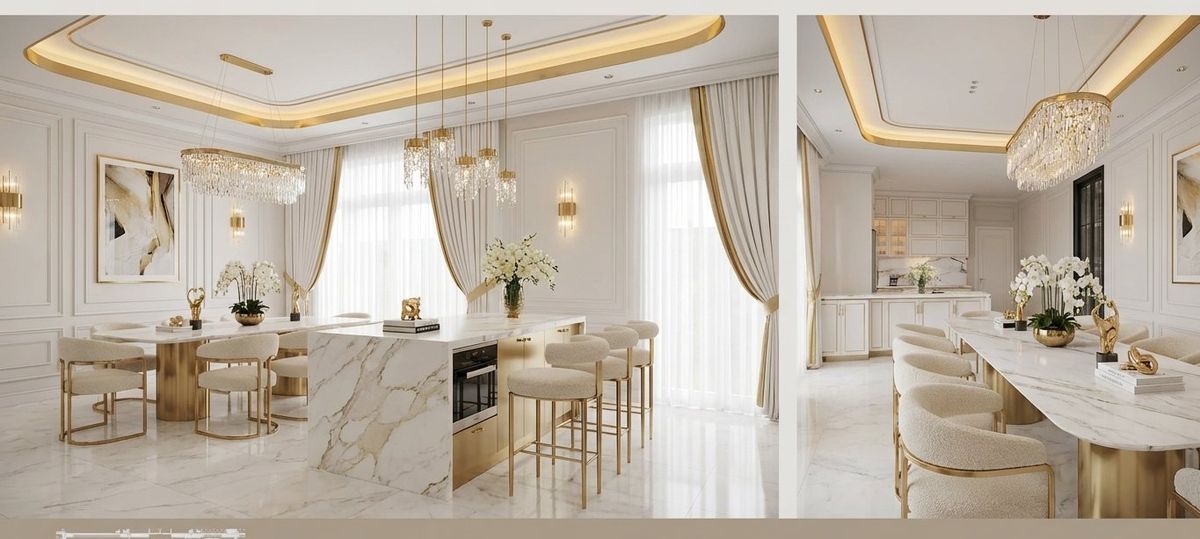
Pure White & Gold
Kitchen
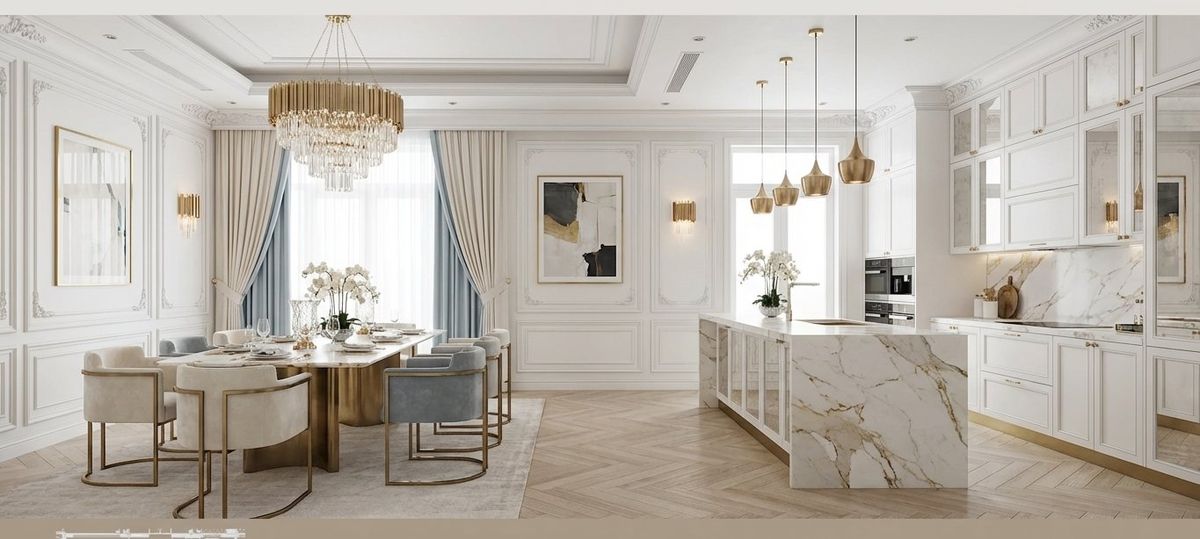
Parisian Elegance
Kitchen
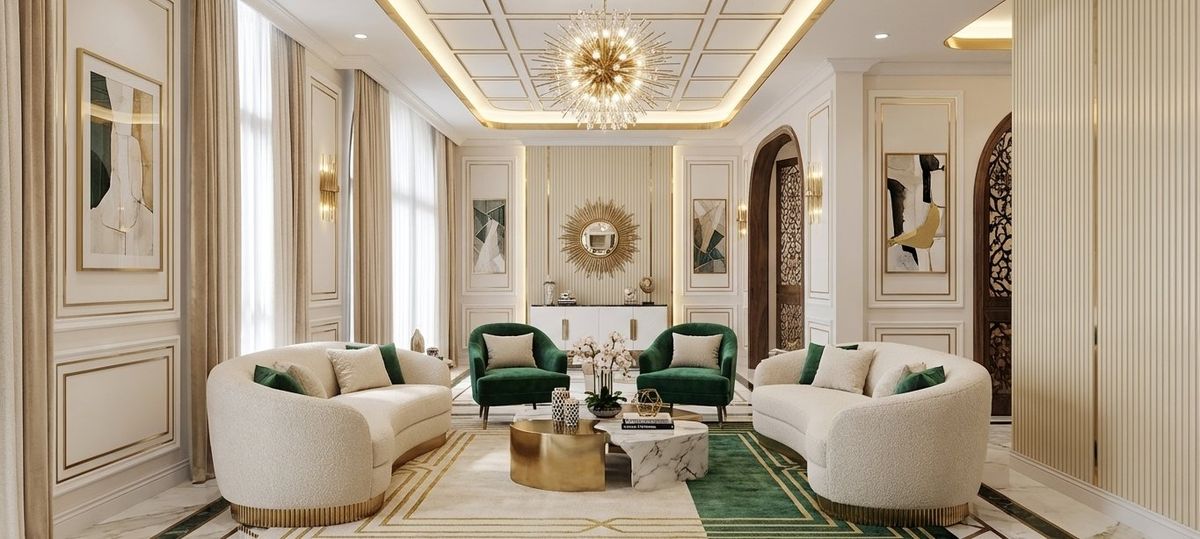
Art Deco Modern
Living room
Italian Marble
Bedroom
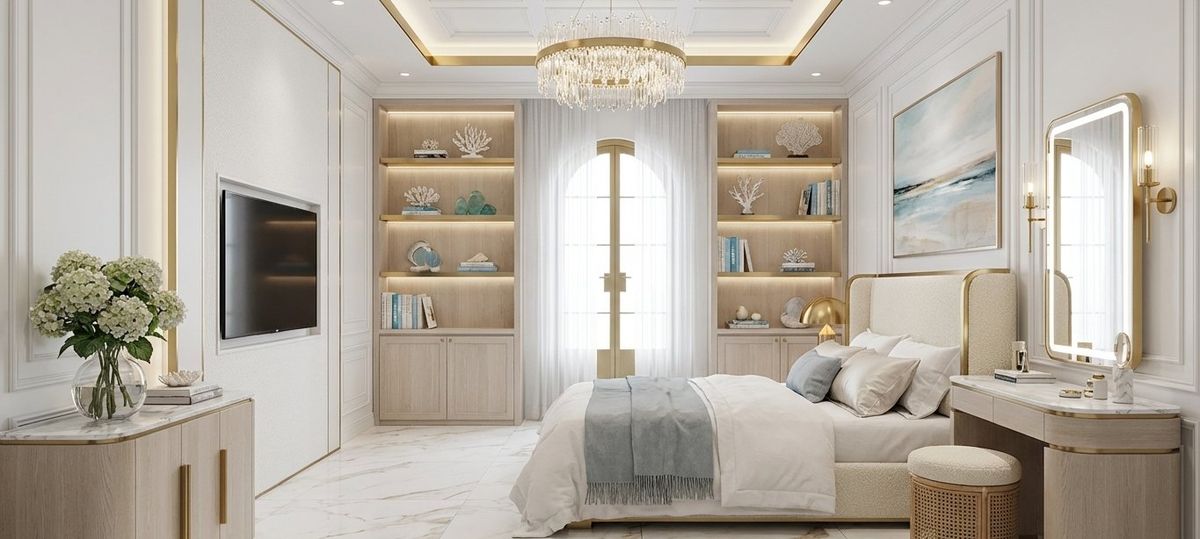
Coastal Luxury
Bedroom

Hotel Modern
Bathroom
Your workflow, compressed
01
Upload at the meeting
Drop the client's room photo — or your own site photo — into Hausey. No modeling, no CAD import.
02
Up to ten directions in 60s
AI produces up to ten photoreal directions across our signature luxury palettes (four on free). All from one upload.
03
Refine without restarting
'Swap the sofa to dark grey velvet.' 'Lose the pendant lights.' Single-instruction edits, same camera angle.
04
Share or export
One voting link for the client. Magazine-grade PDF for the pitch deck. Both branded, both instant.
Designers ask us
Who is Hausey built for?
Independent interior designers and boutique studios (2–20 people) who need to present multiple directions to clients quickly — without hiring an in-house 3D artist or waiting on a rendering agency. It's a presentation-acceleration tool, not a CAD replacement.
Does it replace SketchUp, Revit, or AutoCAD?
No. Hausey lives in the early-concept phase — the moment when you're trying to win a client on a direction. Once the direction is approved, your existing tools take over. Most of our designer customers keep their full stack.
Can I refine without re-rendering everything?
Yes. Tell Hausey 'swap the sofa for a dark grey velvet sectional' or 'lose the pendant lights' — same camera angle, same layout, just the change you asked for. This is the hidden time-killer in most AI tools.
What about client approvals?
Every project gets a share link. Your client picks their favorites, you see which ones landed. Most designers close the approval loop in one call instead of three.
What do your exports look like?
Magazine-grade PDF with your branding, full-resolution downloads, optional voting link. Format is built to drop directly into a client pitch deck or concept book.
Is there a plan for single-project use?
Yes. One-time packs start at $2.99 for one room, $6.99 for three, $9.99 for five, $14.99 for a full house — credits valid 12 months. Subscriptions ($29 Pro / $79 Agent Pro) are for studios running multiple projects a month.
Your next pitch meeting is in 72 hours.
Show up to ten directions, get one approved, walk out with a signed client. Free to try, no credit card required.